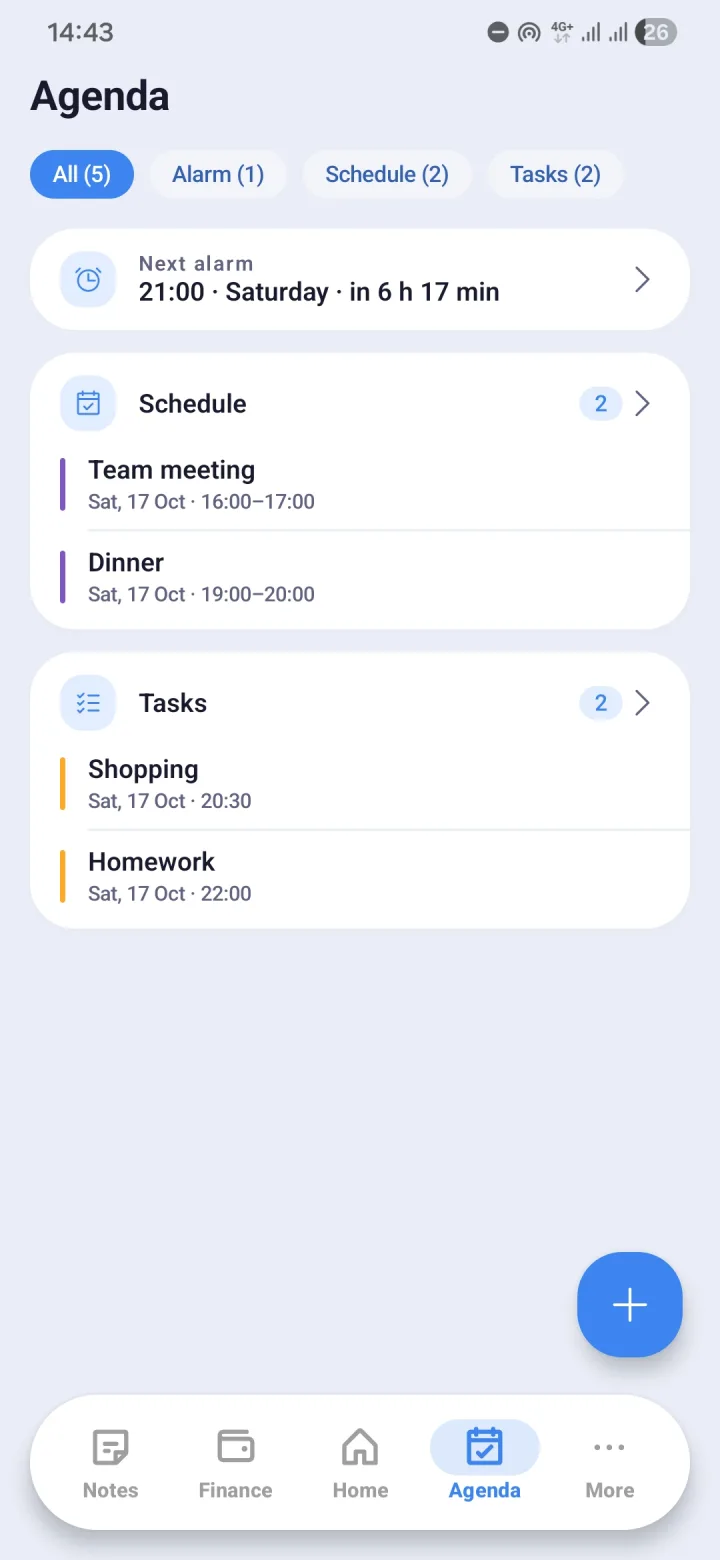
Alarms that actually go off
Alarms can repeat on a pattern, so there is no need to set them again every day. Morvyn schedules them with Android at the exact time, shows a full-screen alarm, vibrates, and wakes the screen when they ring.
After your phone is switched off and on again, reminders and alarms are set up again on their own.
- Alarms with repeat patterns
- Full-screen alarm, vibration, and screen wake-up
- Restored automatically after the phone restarts
Events and tasks
Events are recorded with their reminders, and tasks carry due dates. Both appear in the Calendar menu on their dates automatically, so a whole month can be seen at once.
The Agenda widget shows today's agenda on your home screen, and tasks can be ticked off from there.
Sync with Google Calendar
If your schedule already lives in Google Calendar, Morvyn can sync it both ways: events from Google Calendar are pulled into Morvyn, and events you create or change in Morvyn are sent there. Syncing is optional, off by default, and only touches the one calendar you choose.
Tasks born from notes
Tasks can be created from a note. A Monday meeting note that says "send the proposal before Friday" can become a task with a due date in Agenda, without retyping it.
Deleted events, tasks, and alarms are kept for 7 days so they can be restored.
Questions and answers
- Do alarms still ring when Morvyn is not open?
- Yes. Alarms are scheduled with Android at the exact time, and are set up again automatically after the phone restarts.
- Can Agenda sync with Google Calendar?
- Yes, both ways, for one calendar you choose. It is optional and off by default, and you need to sign in with Google first.
- What is the difference between Agenda and Calendar?
- Agenda is where you create and manage alarms, events, and tasks. Calendar shows those events and tasks on their dates in a monthly view.